


Insta360 X4 Air Standard Lens Guards
Insta360 X4 Air Standard Lens Guards
- Brand: Insta360
- MPN: 6977644762417
- Part #: CAAINS04002
- UPC: 842126112034
Select your store to check availability


- Brand: Insta360
- MPN: 6977644762417
- Part #: CAAINS04002
- UPC: 842126112034
Features
- Specialized protection for X4's lenses from dust, scratches, and everyday use.
- Removable for quick and easy installation and removal.
Standard Lens Guards
Convenient protection, crystal-clear shots.
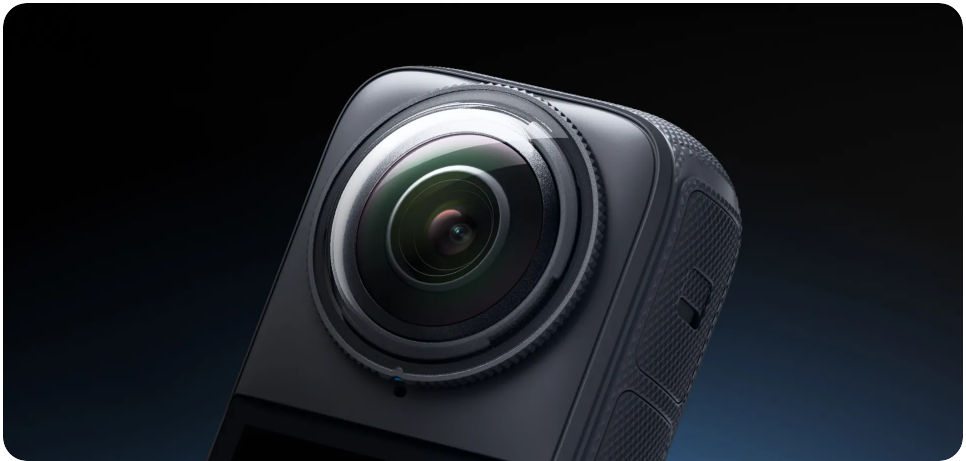
Custom-molded design.
Like wearing nothing at all! A perfect fit provides reliable protection for the X4 lenses.
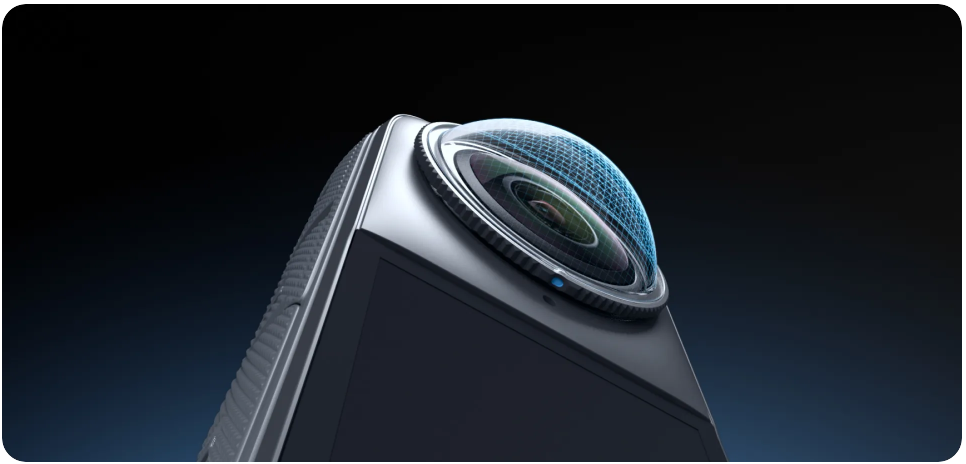
Clear imaging and quality stitching.
Multi-layer coating preserves the camera's optical performance, ensuring pristine images from every angle.
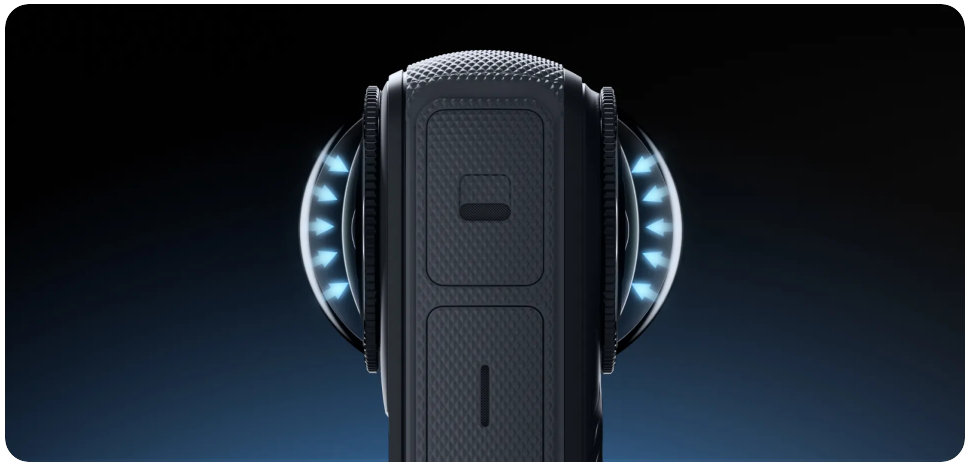
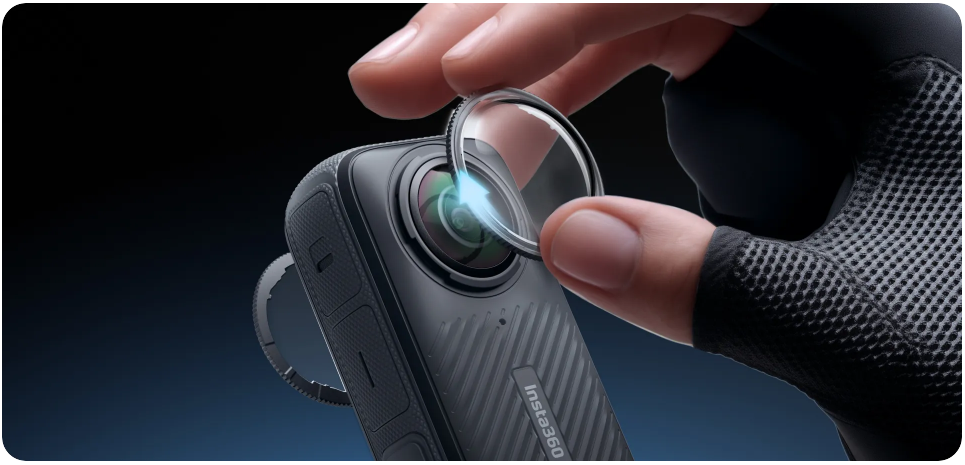
Hassle-free protection.
Easy-to-apply Lens Guards that are removable in a pinch. Simply twist the base to remove and reinstall whenever.
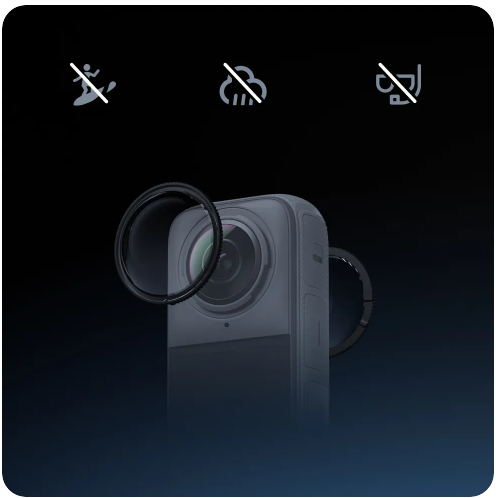
Notes
- Avoid using the Lens Guards in water or rain due to the non-sealed structure.
- To avoid fogging, dry the Lens Guards thoroughly with a soft cloth if they get wet from water, snow or fog.
Specifications
Reviews
Delivery & Pick-up

Delivery Estimates
The estimated time to ship for each product we sell is detailed on the individual product page just underneath the price. From when your items ship, products typically arrive within 1-2 working days for North Island deliveries and 2-3 working days for South Island deliveries. Rural deliveries may take an extra working day. Bulk & hazard deliveries may take an extra 2-7 working days and tracking links for these deliveries can take a few days to generate.
Next Day Delivery
Need your order in a hurry? PB Tech offers next day delivery for local Auckland addresses. Simple place your order before 4pm (provided your items are in stock) and select our next day delivery option in the checkout. T&C's apply. Learn more about Next Day Delivery.
Same Day Delivery
Need your order in a hurry? PB Tech offers same day delivery for Auckland, Hamilton, Wellington and Christchurch. Simple place your order before 1pm (provided your items are in stock) and select one of our same day delivery options 'Evening Delivery' or 'Urgent 3-hour Delivery' in the checkout. T&C's apply. Learn more about Same Day Delivery.
Shipping Costs
Shipping costs vary based on your location and the items being shipped and in some cases shipping may even be FREE.
To calculate what the shipping costs will be for your order, add the items you are interested in to your cart, view the Shopping Cart page, and select your 'Delivery Area' to calculate the shipping cost.
Shipping Security & Insurance
All orders shipped by PB Tech are sent via a courier with a signature required for each delivery. In some cases, and only where you have given the courier company permission to leave orders at a designated location, your order may be delivered without requiring a signature. All orders sent by PB Tech are fully insured in the unlikely event that your item(s) are damaged or go missing in transit.
1 Hour Store Pick-up / Click & Collect
You can pick-up your online order from any of our stores nationwide. You can select which store you want to pick up from at the checkout. Provided the store you select has stock and there's no hold-ups with payment we will have your order ready within 1 hour (during normal trading hours for that store) otherwise it may take up to 5 working days to transfer the stock to the store so your order can be fulfilled. Learn more about our Click & Collect process.
Overseas Shipments
PB Tech regularly ships overseas to Australia and beyond. If you are located in Australia, you can order directly from our Australian site www.pbtech.com/au. If you are from another country you can order from www.pbtech.com
Returns & Warranty
Popular Cleaning & Protection

 Insta360 Premium Lens Guard Set for X4

 Insta360 Lens Cap for X4

 GoPro Protective Sleeve Shock Absorbing Rubber Designed for HERO

 Insta360 X5 Premium Lens Guards

 Insta360 X5 Lens Cap

_20260312184756.webp)
Insta360 X4 Air Standard Lens Guards
- Brand: Insta360
- MPN: 6977644762417
- Part #: CAAINS04002
- UPC:842126112034
Product URL: https://www.pbtech.co.nz/product/CAAINS04002/Insta360-X4-Air-Standard-Lens-Guards
| Branch | New Stock | On Display |
|---|---|---|
| Auckland - Albany | 0 | |
| Auckland - Glenfield | 3 | |
| Auckland - Queen Street | 0 | |
| Auckland - Auckland Uni | 0 | |
| Auckland - Westgate | 0 | |
| Auckland - Penrose | 0 | |
| Auckland - Henderson (Express) | 0 | |
| Auckland - St Lukes | 0 | |
| Auckland - Manukau | 0 | |
| Hamilton | 0 | |
| Tauranga | 0 | |
| New Plymouth | 0 | |
| Palmerston North | 0 | |
| Petone | 0 | |
| Wellington | 0 | |
| Auckland - Head Office | 19 | |
| Auckland - East Tamaki Warehouse | 0 | |
| Christchurch - Hornby | 0 | |
| Christchurch - Christchurch Central | 0 | |
| Dunedin | 0 |
Features
- Specialized protection for X4's lenses from dust, scratches, and everyday use.
- Removable for quick and easy installation and removal.
Standard Lens Guards
Convenient protection, crystal-clear shots.
Custom-molded design.
Like wearing nothing at all! A perfect fit provides reliable protection for the X4 lenses.
Clear imaging and quality stitching.
Multi-layer coating preserves the camera's optical performance, ensuring pristine images from every angle.
Hassle-free protection.
Easy-to-apply Lens Guards that are removable in a pinch. Simply twist the base to remove and reinstall whenever.
Notes
- Avoid using the Lens Guards in water or rain due to the non-sealed structure.
- To avoid fogging, dry the Lens Guards thoroughly with a soft cloth if they get wet from water, snow or fog.
Specifications
In the Box
Contents
2x X4 Standard Lens Guards
1x Lens Cloth
1x Manual
Specs
Material
Plastic
Weight
1.8g (0.1oz)
Dimensions
34.5x34.5x10mm (1.4x1.4x0.4in)
How to Use
Installing
Align the blue mark on the Lens Guards with the lower right slot of the lens. Rotate the Lens Guards clockwise and align with the camera's microphone.
Turn on "Lens Guard Mode"
Power on the camera. Swipe down from the top of the touchscreen to access the Shortcut Menu. Tap the "Lens Guard Mode" icon to turn it on when the Lens Guards are installed; the icon will light up.
Removing
Hold down the edge of the base of the Lens Guards and twist counterclockwise to remove. Then, turn off "Lens Guard Mode" on the camera.
Notes
Instructions & Warnings
Do not squeeze or pull the base too hard when installing the Lens Guards, as this may change the shape or reduce the adhesiveness.
Ensure the Lens Guards are securely installed before using your camera. The blue mark on the Lens Guards should be aligned with the camera's microphone.
Enable "Lens Guard Mode" when using the Lens Guards and turn it off after removing them.
Dirty or worn Lens Guards may affect the final image result.


