


ADATA SR800MPB 1TB - 2-in-1 External SSD and Power Bank Module -
2000MBps Read/Write through USB-C - 5000mAh Power bank - 15W Wireless charging - Built-in Foldable Kick stand,
ADATA SR800MPB 1TB - 2-in-1 External SSD and Power Bank Module -
2000MBps Read/Write through USB-C - 5000mAh Power bank - 15W Wireless charging - Built-in Foldable Kick stand,
- Brand: ADATA
- MPN: SR800MPB-1000G-CCGY
- Part #: HDDADA69801
- UPC: 842243036466
Select your store to check availability


- Brand: ADATA
- MPN: SR800MPB-1000G-CCGY
- Part #: HDDADA69801
- UPC: 842243036466
Features
SR800 Magnetic Power Bank SSD
Power And Storage In The Clutch
- Supports USB 3.2 Gen2 x2 high-speed transmission
- 2000MB/s high-speed read/write
- Portable magnetic wireless charging
- QC/PD 20W fast charging
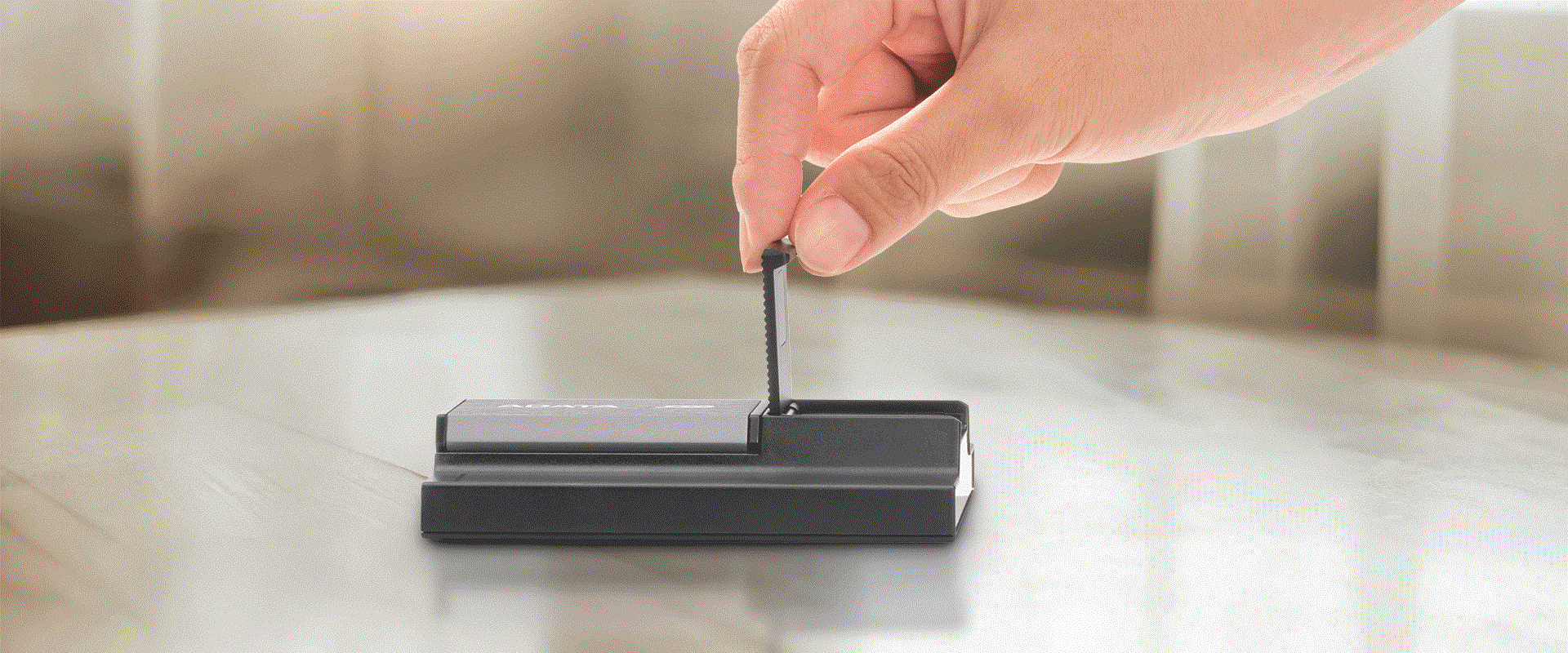
- Integrated foldable stand designed into back plate
- Multiple circuit protection mechanisms
- 5,000mAh Battery Capacity
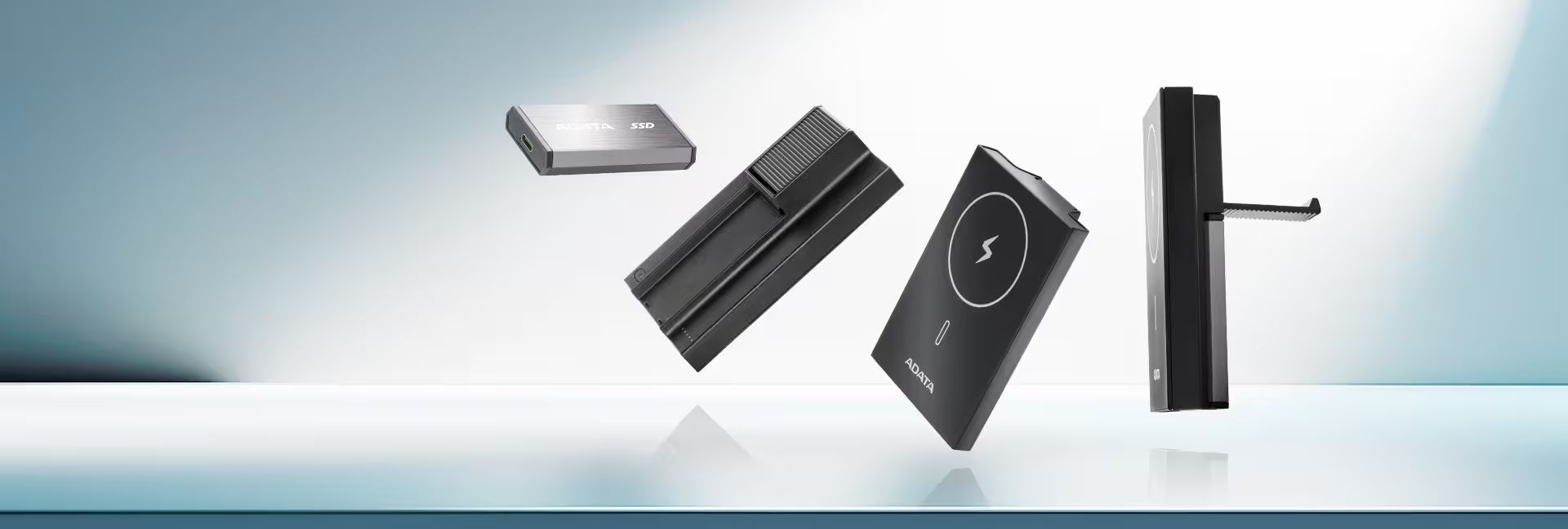
Power v.s. Storage? SR800 Want it All!
SR800 is the industry's first device to combine a magnetic power bank with a modular external SSD. It solves the power versus storage dilemma by allowing users to charge a phone magnetically while simultaneously recording or backing up footage directly to the SSD. This simplifies workflows, enabling creators to travel light and focus on their content.
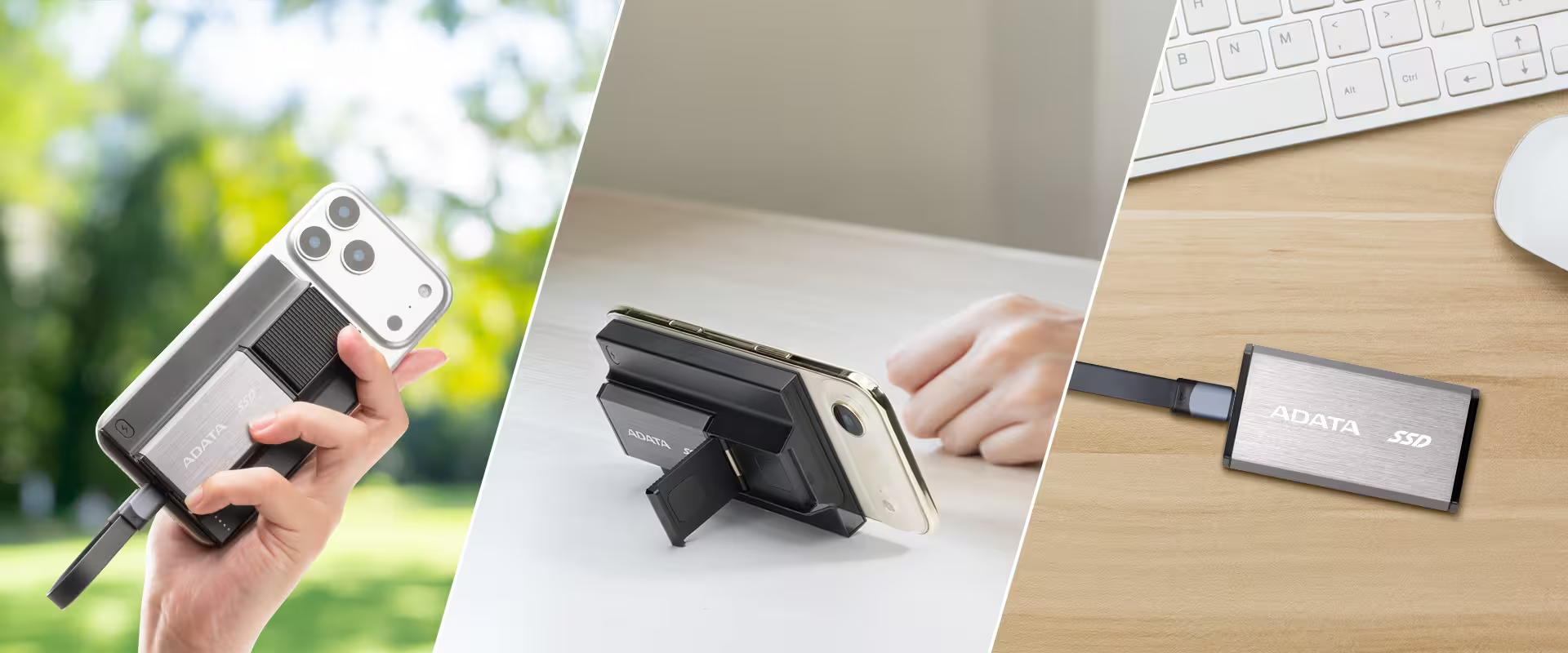
Transfer File in a Blast of Speed
The SR800 External SSD is equipped with the USB 3.2 Gen2 x2 specification, delivering transfer speeds approximately 20 times faster than conventional external hard drives. With read/write performance of up to 2000MB/s and a massive storage capacity of up to 2000GB, it enables content creators and professional photographers to directly access and edit large media files on the SSD, providing a seamless and highly efficient experience for professional video work.
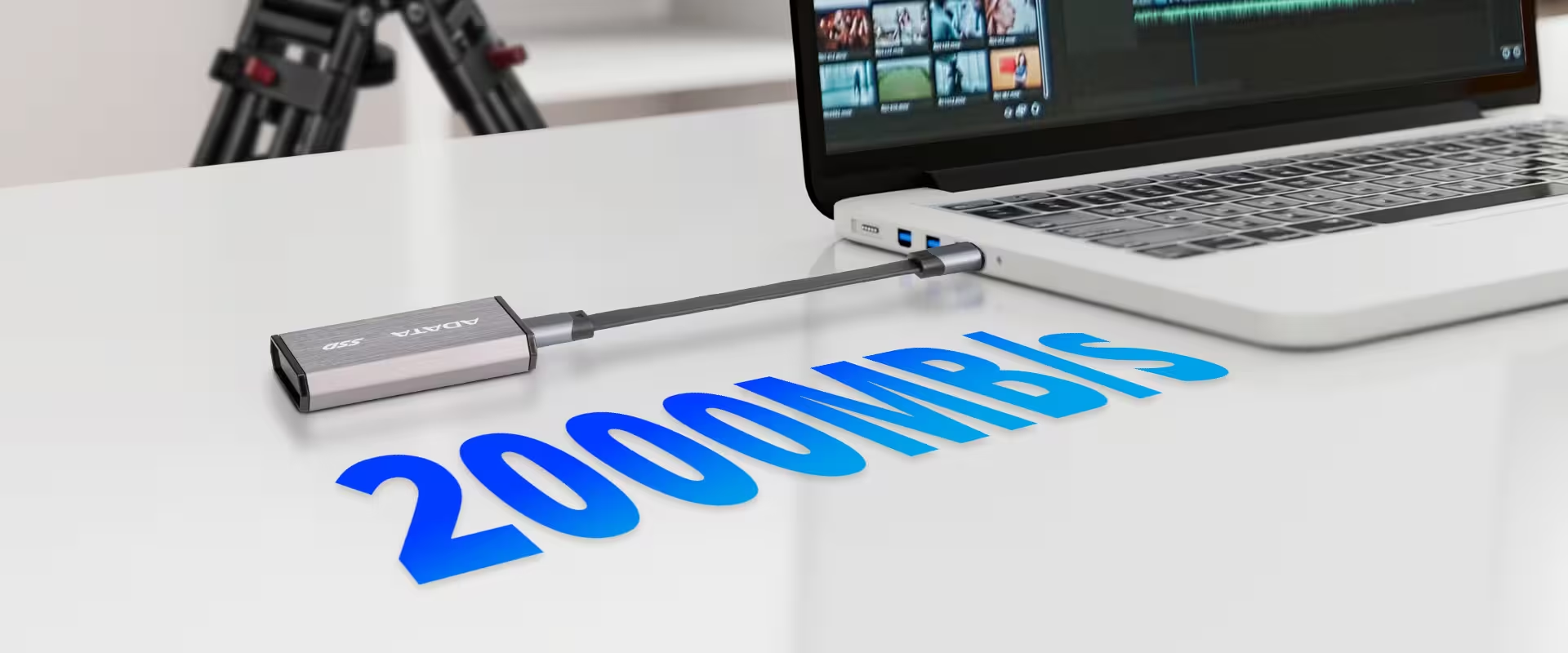
Power Shortage Cannot Stop Creativity
No matter where you are, ADATA SR800 is the most reliable power bank and data storage hub. It offers 5000mAh capacity, and provides up to 20W Type-C wired fast charging to quickly power up your device. It also supports up to 15W magnetic wireless charging. Just snap it on to enjoy a hassle-free, cable-free experience.
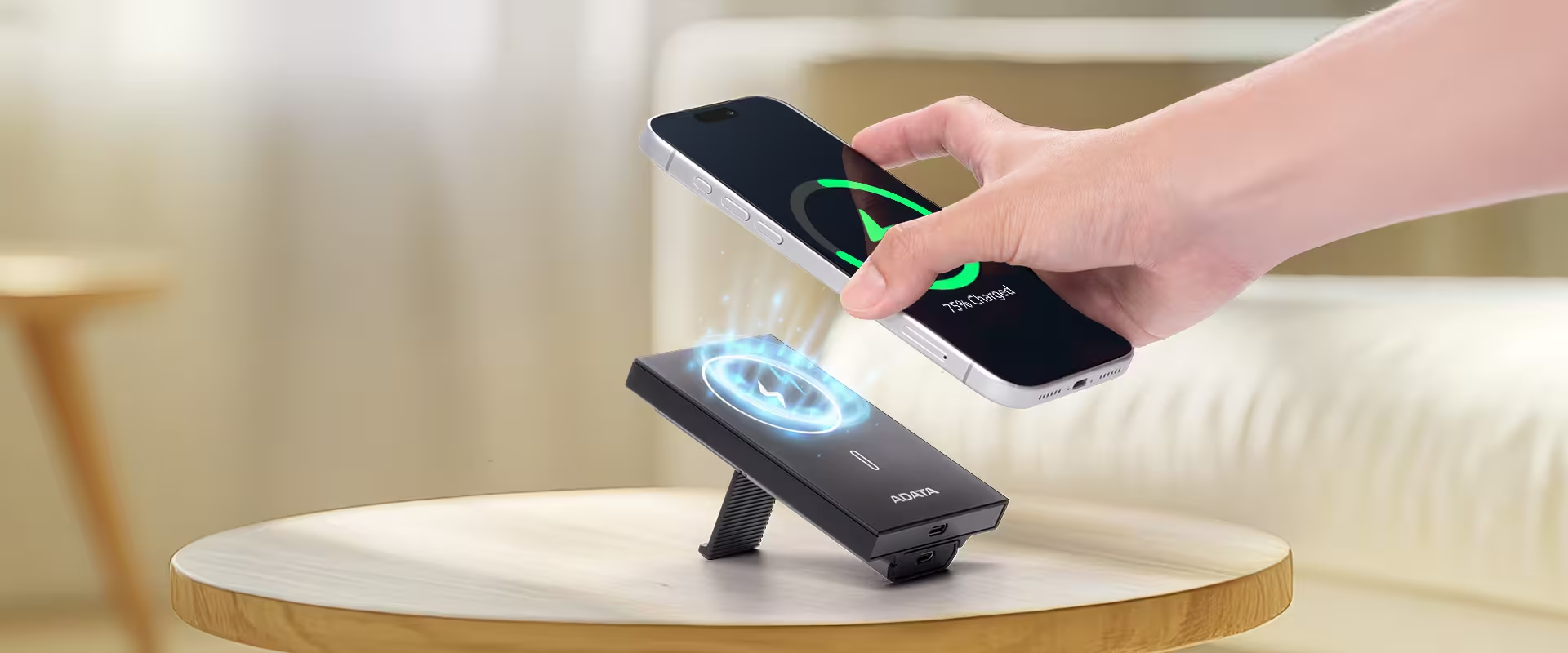
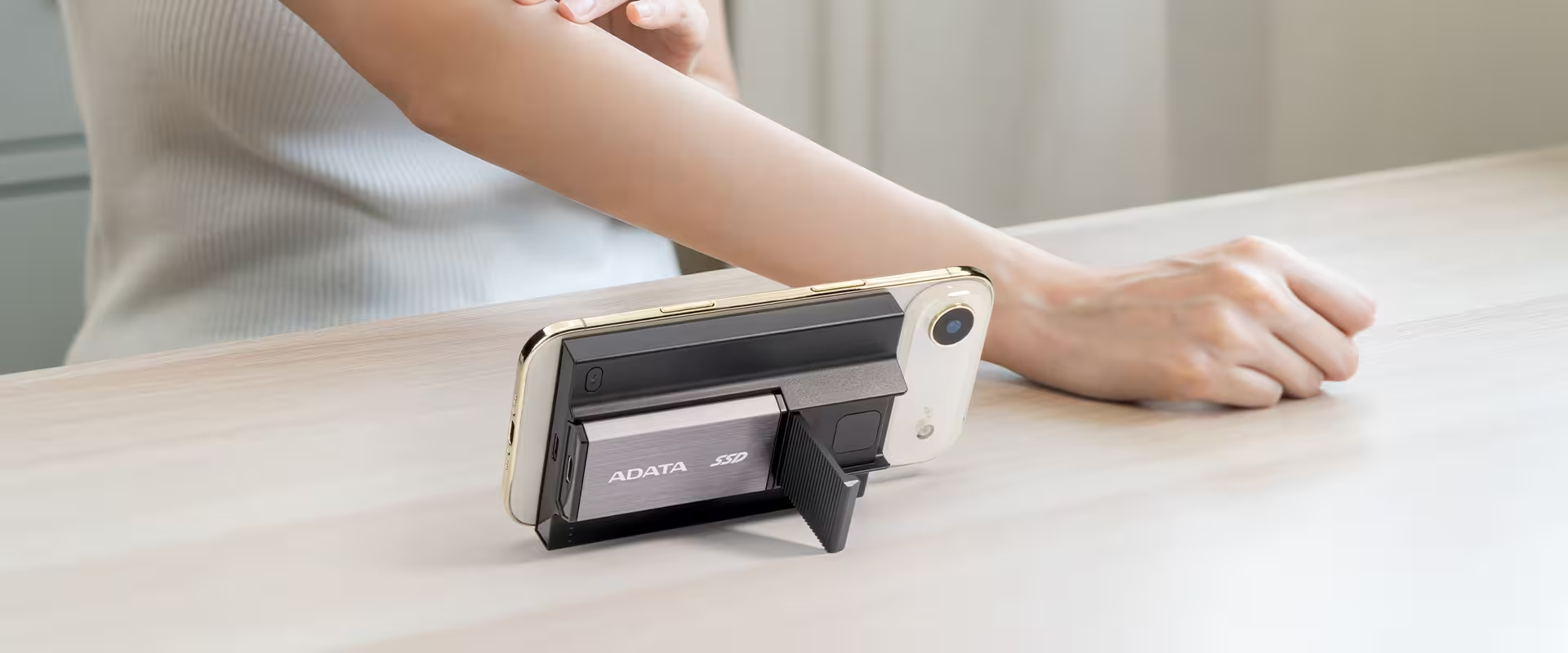
Foldable Kickstand, Freeing up Hands
With its clever foldable kickstand, the power bank instantly transforms into a phone stand. Users can get wireless charge and binge-watch at the same time, freeing up hands completely!
Multi-Circuit Protection For Creators To Go
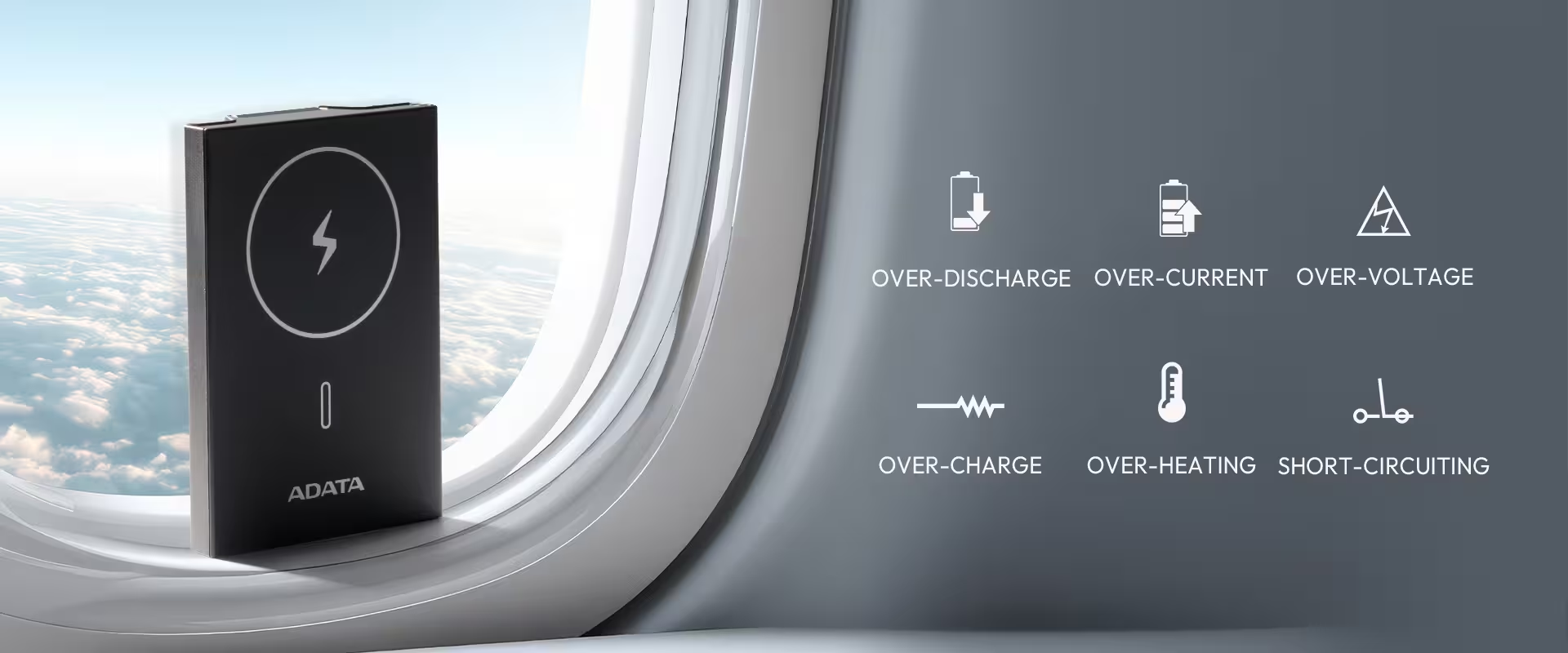
SR800 sports intelligent internal circuitry that protects against over-charge, over-discharge, over-temperature, short-circuiting, over-voltage, and over-current, giving you complete peace of mind.
*For flight safety, the use of power banks and charging is prohibited during the flight.
Specifications
Reviews
Delivery & Pick-up

Delivery Estimates
The estimated time to ship for each product we sell is detailed on the individual product page just underneath the price. From when your items ship, products typically arrive within 1-2 working days for North Island deliveries and 2-3 working days for South Island deliveries. Rural deliveries may take an extra working day. Bulk & hazard deliveries may take an extra 2-7 working days and tracking links for these deliveries can take a few days to generate.
Next Day Delivery
Need your order in a hurry? PB Tech offers next day delivery for local Auckland addresses. Simple place your order before 4pm (provided your items are in stock) and select our next day delivery option in the checkout. T&C's apply. Learn more about Next Day Delivery.
Same Day Delivery
Need your order in a hurry? PB Tech offers same day delivery for Auckland, Hamilton, Wellington and Christchurch. Simple place your order before 1pm (provided your items are in stock) and select one of our same day delivery options 'Evening Delivery' or 'Urgent 3-hour Delivery' in the checkout. T&C's apply. Learn more about Same Day Delivery.
Shipping Costs
Shipping costs vary based on your location and the items being shipped and in some cases shipping may even be FREE.
To calculate what the shipping costs will be for your order, add the items you are interested in to your cart, view the Shopping Cart page, and select your 'Delivery Area' to calculate the shipping cost.
Shipping Security & Insurance
All orders shipped by PB Tech are sent via a courier with a signature required for each delivery. In some cases, and only where you have given the courier company permission to leave orders at a designated location, your order may be delivered without requiring a signature. All orders sent by PB Tech are fully insured in the unlikely event that your item(s) are damaged or go missing in transit.
1 Hour Store Pick-up / Click & Collect
You can pick-up your online order from any of our stores nationwide. You can select which store you want to pick up from at the checkout. Provided the store you select has stock and there's no hold-ups with payment we will have your order ready within 1 hour (during normal trading hours for that store) otherwise it may take up to 5 working days to transfer the stock to the store so your order can be fulfilled. Learn more about our Click & Collect process.
Overseas Shipments
PB Tech regularly ships overseas to Australia and beyond. If you are located in Australia, you can order directly from our Australian site www.pbtech.com/au. If you are from another country you can order from www.pbtech.com
Returns & Warranty
Related Promotions

Popular Portable SSD

 Samsung T7 Shield 1TB Rugged Portable External SSD - Black USB-C ...

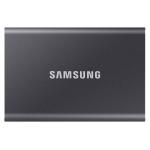 Samsung T7 4TB Portable External SSD - Titan Grey USB 3.2 Gen2 ...

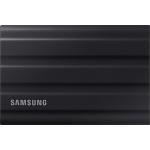 Samsung T7 Shield 2TB Rugged Portable External SSD - Black USB-C ...

 Transcend ESD310C 1TB Portable External SSD USB-C - USB-A - Read...

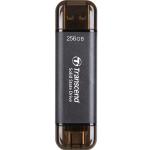 Transcend ESD310C 256GB Portable External SSD USB-C & USB-A -...

_20260213113836.webp)
ADATA SR800MPB 1TB - 2-in-1 External SSD and Power Bank Module - 2000MBps Read/Write through USB-C - 5000mAh Power bank - 15W Wireless charging - Built-in Foldable Kick stand,
- Brand: ADATA
- MPN: SR800MPB-1000G-CCGY
- Part #: HDDADA69801
- UPC:842243036466
Product URL: https://www.pbtech.co.nz/product/HDDADA69801/ADATA-SR800MPB-1TB---2-in-1-External-SSD-and-Power
| Branch | New Stock | On Display |
|---|---|---|
| Auckland - Albany | 2 | |
| Auckland - Glenfield | 2 | |
| Auckland - Queen Street | 0 | |
| Auckland - Auckland Uni | 0 | |
| Auckland - Westgate | 0 | |
| Auckland - Penrose | 4 | |
| Auckland - Henderson (Express) | 0 | |
| Auckland - St Lukes | 1 | |
| Auckland - Manukau | 3 | |
| Hamilton | 2 | |
| Tauranga | 0 | |
| New Plymouth | 0 | |
| Palmerston North | 0 | |
| Petone | 0 | |
| Wellington | 0 | |
| Auckland - Head Office | 0 | |
| Auckland - East Tamaki Warehouse | 0 | |
| Christchurch - Hornby | 3 | |
| Christchurch - Christchurch Central | 1 | |
| Dunedin | 0 |
Features
SR800 Magnetic Power Bank SSD
Power And Storage In The Clutch
- Supports USB 3.2 Gen2 x2 high-speed transmission
- 2000MB/s high-speed read/write
- Portable magnetic wireless charging
- QC/PD 20W fast charging
- Integrated foldable stand designed into back plate
- Multiple circuit protection mechanisms
- 5,000mAh Battery Capacity
Power v.s. Storage? SR800 Want it All!
SR800 is the industry's first device to combine a magnetic power bank with a modular external SSD. It solves the power versus storage dilemma by allowing users to charge a phone magnetically while simultaneously recording or backing up footage directly to the SSD. This simplifies workflows, enabling creators to travel light and focus on their content.
Transfer File in a Blast of Speed
The SR800 External SSD is equipped with the USB 3.2 Gen2 x2 specification, delivering transfer speeds approximately 20 times faster than conventional external hard drives. With read/write performance of up to 2000MB/s and a massive storage capacity of up to 2000GB, it enables content creators and professional photographers to directly access and edit large media files on the SSD, providing a seamless and highly efficient experience for professional video work.
Power Shortage Cannot Stop Creativity
No matter where you are, ADATA SR800 is the most reliable power bank and data storage hub. It offers 5000mAh capacity, and provides up to 20W Type-C wired fast charging to quickly power up your device. It also supports up to 15W magnetic wireless charging. Just snap it on to enjoy a hassle-free, cable-free experience.
Foldable Kickstand, Freeing up Hands
With its clever foldable kickstand, the power bank instantly transforms into a phone stand. Users can get wireless charge and binge-watch at the same time, freeing up hands completely!
Multi-Circuit Protection For Creators To Go
SR800 sports intelligent internal circuitry that protects against over-charge, over-discharge, over-temperature, short-circuiting, over-voltage, and over-current, giving you complete peace of mind.
*For flight safety, the use of power banks and charging is prohibited during the flight.
Specifications
Color
Grey
Capacity
External SSD: 1000GB
Power Bank: 5000mAh
Dimensions (L x W x H)
External SSD:66 x 34.8 x 11mm / 2.55 x 1.37 x 0.43inch
Power Bank: 106.7 x 72.7 x 22.6 mm / 4.2 x 2.86 x 0.88 inch
Weight
External SSD: 34g / 1.2oz
Power Bank: 150g / 5.28oz
Interface
USB 3.2 Gen2 x2 (USB 20Gbps)
( backward compatible with USB 2.0 )
Sequential Read (Max*)
Up to 2,000 MB/s
Sequential Write (Max*)
Up to 2,000 MB/s
Operating system requirements
Windows 8 / 8.1/ 10 / 11
MacOS 10.6 or later
(informatting required for use)
Linux Kernel 2.6 or later
Android 13 or later
Op. Temperature
5°C(41°F) to 50°C (122°F)
Op. Voltage
DC 5V, 900mA
Battery Capacity
3.87V / 19.35Wh
Rated Capacity
5V / 3100mAh, 9V / 1600mAh
Battery
Rechargeable Li-Polymer battery
Input
USB-C: DC 5V / 3A, 9V / 2A
Output
USB-C: DC 5V / 3A, 9V / 2.22A, 20W Max
Wireless Charge: 5W / 7.5W / 10W / 15W
Max. Output
USB-C + Wireless: DC 5V / 3A, 15W
Accessories
USB-C Cable, User Manual
Remark
[External SSD]
1. Some of the listed capacity on a flash storage device is used for formatting and other functions and is not available for data storage. Actual available capacity smaller than that listed on products.
2. As specified in the latest official announcement from the USB Association, the official name of USB 3.2 Gen2 x2 is USB 20Gbps. Please check the announcement at www.usb.org
3. Performance may vary by hardware configuration and software application.
[Power Bank]
1. ADATA power banks utilize rechargeable Li-Polymer batteries. Rated capacities are affected by various factors including but not limited to ambient temperature, testing conditions, and methods. Rated capacities of ADATA power banks are all tested and approved by third-party test labs under strict conditions. The available capacity of rechargeable batteries decreases gradually with time and number of uses.
2. When using an ADATA power bank to charge your USB-C devices, please use the device's original cable for optimal charging.
3. The primary reason for the reverse charging issue on the iPhone 15 is the bi-directional design (input and output) of the Power Bank's USB-C interface.
According to Apple's official statement, the iPhone 15 Series USB-C provides 4.5W reverse charging, allowing an iPhone to be used as a temporary mobile power source for other devices.
Please try the following fixes to address this issue:
- Re-connect the charging cable.
- Activate the Power Bank using the power button before connecting the iPhone 15.
- Ensure that the charge level of the Power Bank is higher than that of the iPhone 15.


